
|
|
|
|||||||
| Computers & Information Technologies « Everything related to computers and internet. » |
 |
|
|
Share | Thread Tools | Search this Thread |
 08-13-2008
|
#1 |
|
Registered Member

Last Online: 06-13-2011
Join Date: Jan 2007
Posts: 3,530
Thanks: 1,762
Thanked 1,429 Times in 897 Posts
Groans: 0
Groaned at 0 Times in 0 Posts
|
 What Is Happening ?
Hello
 ,today when i turned on my pc,i found some unexpected "things" ,today when i turned on my pc,i found some unexpected "things"  when it starts i get this: 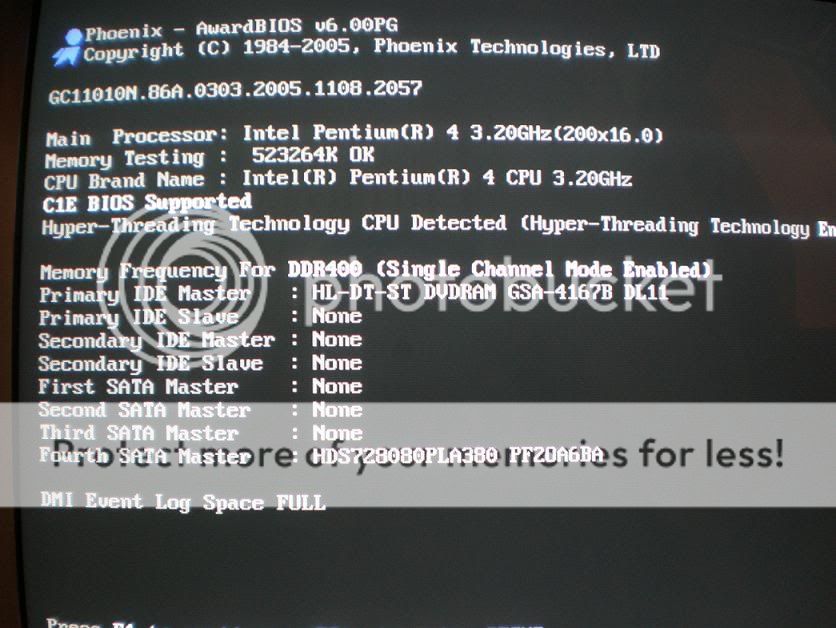 they tell me to press F1 to continue so i press it,then i get this 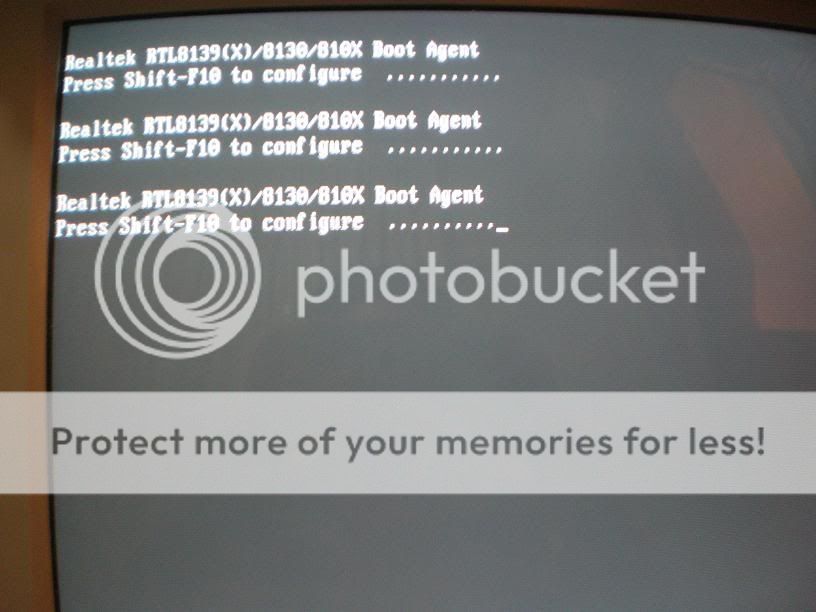 and then this =.gif "):") 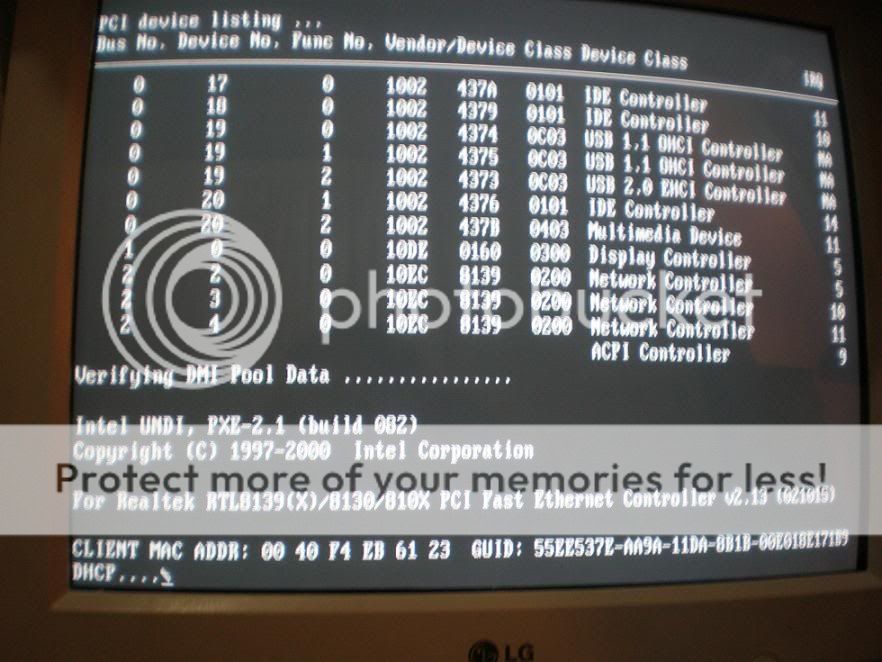 And Finally This(since i have 2 windows installed and one of them isn't working  ,and i'm not able to delete it) ,and i'm not able to delete it)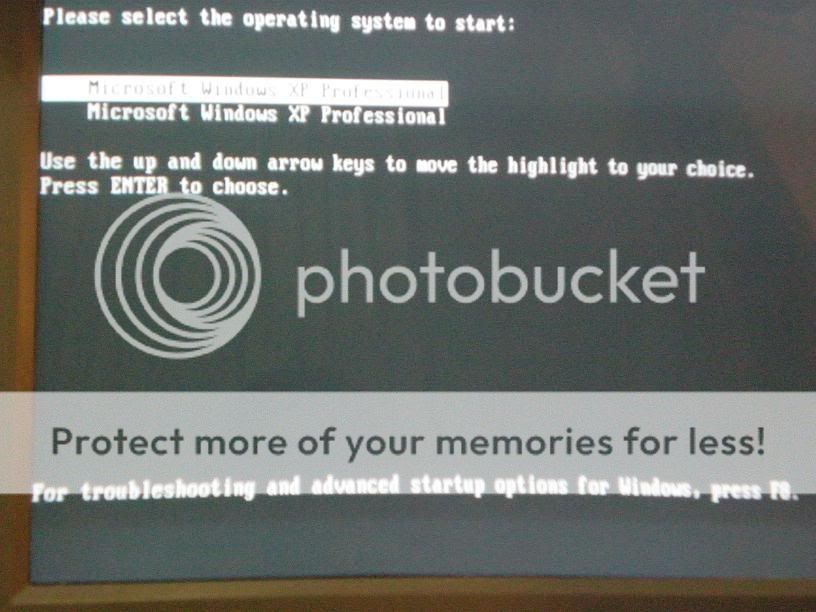 So if anybody knows what's happening to my pc plz post your suggestions here
__________________
[ |

|

|
|
08-13-2008
|
#2 |
|
Registered Member

Last Online: 10-14-2022
Join Date: Dec 2006
Posts: 10,467
Thanks: 14,136
Thanked 4,244 Times in 2,547 Posts
Groans: 186
Groaned at 198 Times in 120 Posts
|
 Re: What Is Happening ?
u have a damaged sound driver i guess
__________________
problems of performance appraisal is that it sucks to memorize them |
|
|
|
|
08-13-2008
|
#3 | |
|
Super Moderator

Last Online: 02-16-2022
Join Date: May 2006
Posts: 5,580
Thanks: 1,888
Thanked 2,653 Times in 1,593 Posts
Groans: 55
Groaned at 35 Times in 32 Posts
|
Re: What Is Happening ?
starting from the last screen,
start - run - msconfig - boot - you will see 2 windows xp, delete the second EDITED: Quote:
www.google.com > get a driver for you network card. uninstall the current, and install the newly downloaded one, that should work.
__________________
click on 'Groan' to switch to my left testicle. Last edited by Kingroudy; 08-13-2008 at 10:00 PM. |
|
|
|
|
| The Following User Says Thank You to Kingroudy For This Useful Post: | J()e (08-13-2008) |
|
08-14-2008
|
#4 | ||
|
Registered Member

Last Online: 09-06-2011
Join Date: Oct 2006
Posts: 397
Thanks: 262
Thanked 215 Times in 87 Posts
Groans: 0
Groaned at 0 Times in 0 Posts
|
Re: What Is Happening ?
I Think That From Your BIOS You Did The First Boot Device Is Network, So Change It To HDD Or CD-ROM...
With Respect To The Dual Boot, Do What KingRoudy Said, Or Open My Computer And Type: "C:\boot.ini" A NotePad Will Open To You Contains Some Text Quote:
Quote:
__________________
من؟ من سينزع سلاح حزب الله!؟
|
||
|
|
|
| The Following User Says Thank You to HizbullaH For This Useful Post: | J()e (08-14-2008) |
|
08-14-2008
|
#5 |
|
Registered Member
Last Online: 06-13-2011
Join Date: Jan 2007
Posts: 3,530
Thanks: 1,762
Thanked 1,429 Times in 897 Posts
Groans: 0
Groaned at 0 Times in 0 Posts
|
Re: What Is Happening ?
ok the double windows problem is solved
but still the other problems !! how can i change the BIOS to Hdd or cd rom !
__________________
[ |
|
|
|
|
08-14-2008
|
#6 |
|
Registered Member

Last Online: 02-05-2012
Join Date: Oct 2007
Posts: 852
Thanks: 293
Thanked 573 Times in 356 Posts
Groans: 3
Groaned at 4 Times in 2 Posts
|
Re: What Is Happening ?
sometime a damaged TRANSISTOR on the motherboard can cause such problems ( believe it or not it happened onjce with me)
|
|
|
|
|
|
| Tags |
| happening |
| Currently Active Users Viewing This Thread: 1 (0 members and 1 guests) | |
|
|


